How to Appear on Google Maps: The Complete Guide for Local Businesses (2026)
Learn the 3 Google local ranking factors, how to optimize your Google Business Profile, and how to monitor your Maps position with RankuTracker.
RankuTracker Team
4. August 2026
Why Google Maps Is Your Most Important Marketing Channel
When someone in your city needs a dentist, a plumber, a lawyer, or a restaurant recommendation, their first move is almost always to open Google Maps or search Google with "near me" appended to their query. The local pack — the box showing three businesses with a map at the top of Google's search results — captures the majority of clicks for these queries.
Ranking in that local pack is not luck, and it is not simply about having a website. Google uses a specific algorithm for local results that is different from its organic search algorithm. Understanding how it works is the first step to appearing where your customers are looking.
This guide walks through the complete process: Google's three local ranking factors, step-by-step GBP optimization, NAP and citation strategy, reviews, and how to monitor your position using RankuTracker's tools.
The Three Factors Google Uses to Rank Local Businesses
Google has publicly stated that its local search algorithm uses three primary factors to determine which businesses appear in the local pack. Every tactic in this guide connects back to one of these three.
Factor 1: Relevance
Relevance is about how well your business profile matches what the searcher is looking for. Google assesses relevance based on:
- Your business category on Google Business Profile
- The keywords in your business description, services, and GBP posts
- Your website content and its alignment with local search terms
- Your product and service listings on GBP
If someone searches "emergency dentist" and your GBP does not mention emergency dental services, you are less relevant than a competitor whose profile does. Relevance is largely within your control.
Factor 2: Distance
Distance is how far your business location is from the searcher (or from the location Google infers from the query). Google cannot override physics — a searcher 10 miles from your business is less likely to see you in the local pack than someone two blocks away.
However, distance is more nuanced than raw mileage. Your defined service area on GBP, the geographic scope of your local citations, and the geographic specificity of your website content all influence how broadly Google considers you relevant. A business with a well-defined service area and location-specific content pages may rank for searches several miles from its physical location.
Factor 3: Prominence
Prominence measures how well-known and trusted your business is in the eyes of Google. This is influenced by:
- The volume and quality of your Google reviews
- Your overall star rating and review recency
- The consistency and breadth of your business mentions across the web (citations)
- Links from local and authoritative websites to your business
- Your presence on high-authority directories (Yelp, BBB, industry-specific platforms)
Prominence is the factor that most directly rewards businesses that invest in their online reputation over time.
Step-by-Step Google Business Profile Optimization
Your Google Business Profile is the single most important asset for local search visibility. Here is how to optimize every component.
Step 1: Claim and Verify Your Profile
If you have not claimed your GBP listing, start there. Go to business.google.com, search for your business name, and claim the existing listing or create a new one. Verification typically happens by postcard (delivered in 3-5 days) or, increasingly, by video verification.
Step 2: Choose the Right Primary Category
Your primary category is the most important relevance signal in your GBP. Choose the most specific category that accurately describes your core business. "Dentist" is better than "Health Care Provider." "Personal Injury Attorney" is better than "Law Firm." You can add up to nine secondary categories — use them for every service type you offer.
Step 3: Complete Every GBP Section
Google rewards completeness. Fill in every section of your profile:
- Business name: Use your real business name. Do not stuff keywords into your business name — this violates Google's guidelines and can result in suspension.
- Description: Write a 750-character description that naturally incorporates your primary services and location. Mention your city and neighborhood.
- Service areas: If you serve customers at their location (plumber, electrician, home cleaner), set your service area to reflect your actual territory.
- Hours: Keep these current, including holiday hours. Incorrect hours generate negative reviews and reduce conversions.
- Attributes: Check every attribute that applies to your business (wheelchair accessible, free Wi-Fi, accepts credit cards, etc.). These improve both relevance and user experience.
- Services and products: List every service you offer with descriptions. This is a significant relevance signal that many businesses overlook.
Step 4: Add High-Quality Photos
Businesses with photos receive significantly more requests for directions and clicks to their website than businesses without. Upload at minimum:
- Exterior photos (help customers find you)
- Interior photos (set expectations and build trust)
- Team photos (personalization drives trust)
- Service or product photos
- Cover photo that represents your brand
Add new photos regularly — at least monthly. Google favors profiles that show recent activity.
Step 5: Publish Regular GBP Posts
GBP posts are short content updates that appear on your profile. They function similarly to social media posts but directly influence local visibility. Post at minimum once per week with:
- Local offers and promotions
- New service announcements
- Event announcements
- Educational content related to your services
Use location-specific language in your posts. "Serving patients in the Oak Park and River Forest neighborhoods" is better than generic marketing language.
Step 6: Enable Messaging and Q&A
Enable GBP messaging so potential customers can contact you directly from your profile. Respond to Q&A questions — both the ones customers ask and pre-populated questions you add yourself. Active engagement signals to Google that your profile is well-managed.
NAP Consistency: The Foundation of Local Trust
NAP stands for Name, Address, Phone. These three pieces of information need to be absolutely consistent across every place your business appears on the internet — your website, GBP, Yelp, Facebook, Apple Maps, Bing Places, industry directories, local chambers of commerce, and data aggregators like Localeze and Foursquare.
Why does it matter so much? Google cross-references business information across the web. When it finds your business name listed as "Smith & Jones Law Firm" on your website but "Smith and Jones Law" on Yelp and "S&J Law Firm" on Bing, it reduces its confidence in your business data. Lower confidence means lower prominence scores.
Inconsistency also creates a poor user experience — customers who find different phone numbers for your business in different places lose trust quickly.
Building Your Citation Profile
Citations are web mentions of your business's NAP data. Building a strong citation profile means:
- Claiming and optimizing your listings on the major platforms: Google, Apple Maps, Bing Places, Yelp, Facebook
- Submitting to national data aggregators: Localeze/Neustar, Foursquare, Data Axle
- Building citations on industry-specific directories (Zocdoc and Healthgrades for dental, Avvo and FindLaw for legal, TripAdvisor and Yelp for restaurants)
- Building citations on local directories: your city's chamber of commerce, local business associations, neighborhood blogs
Use RankuTracker's NAP Audit module to monitor your citation consistency automatically. The tool checks your business information across hundreds of platforms and scores your consistency, identifying the specific discrepancies that need correction.
The Reviews Strategy That Drives Rankings
Reviews are one of the highest-leverage activities in local SEO. Businesses with more reviews, higher ratings, and consistent recent review activity rank higher than competitors with stale or sparse review profiles.
Getting More Reviews
The most effective review generation strategy is simple: ask every satisfied customer. Systematically.
Set up a review request sequence using RankuTracker's AI Review Management module:
- Immediately after a transaction or service delivery, send an automated thank-you message
- Include a direct link to your Google review form (shortlink from your GBP)
- Follow up once more after 3-4 days if no review has been posted
The businesses that consistently generate new reviews are the ones running consistent request sequences — not the ones that occasionally remember to ask.
Target a review velocity of at least two to four new reviews per month for a single location. Businesses in high-volume categories (restaurants, salons) should aim for 10+ per month.
Responding to Reviews
Responding to reviews — both positive and negative — signals to Google that you are an active, engaged business. It also directly influences potential customers who read reviews before making a decision.
Use RankuTracker's AI review response feature to generate personalized, professional responses in seconds. The AI drafts responses that acknowledge the specific reviewer's experience, incorporate natural keywords relevant to your business, and maintain a consistent brand voice. You review and approve before sending.
For negative reviews: respond within 24 hours, acknowledge the issue without admitting fault where appropriate, offer to resolve the situation offline, and keep the tone professional. A well-handled negative review often impresses potential customers more than a positive one.
Monitoring Your Google Maps Position with RankuTracker
Optimization without measurement is guesswork. You need to track your Google Maps ranking over time to understand whether your efforts are working and where your biggest opportunities remain.
RankTracker for Position Monitoring
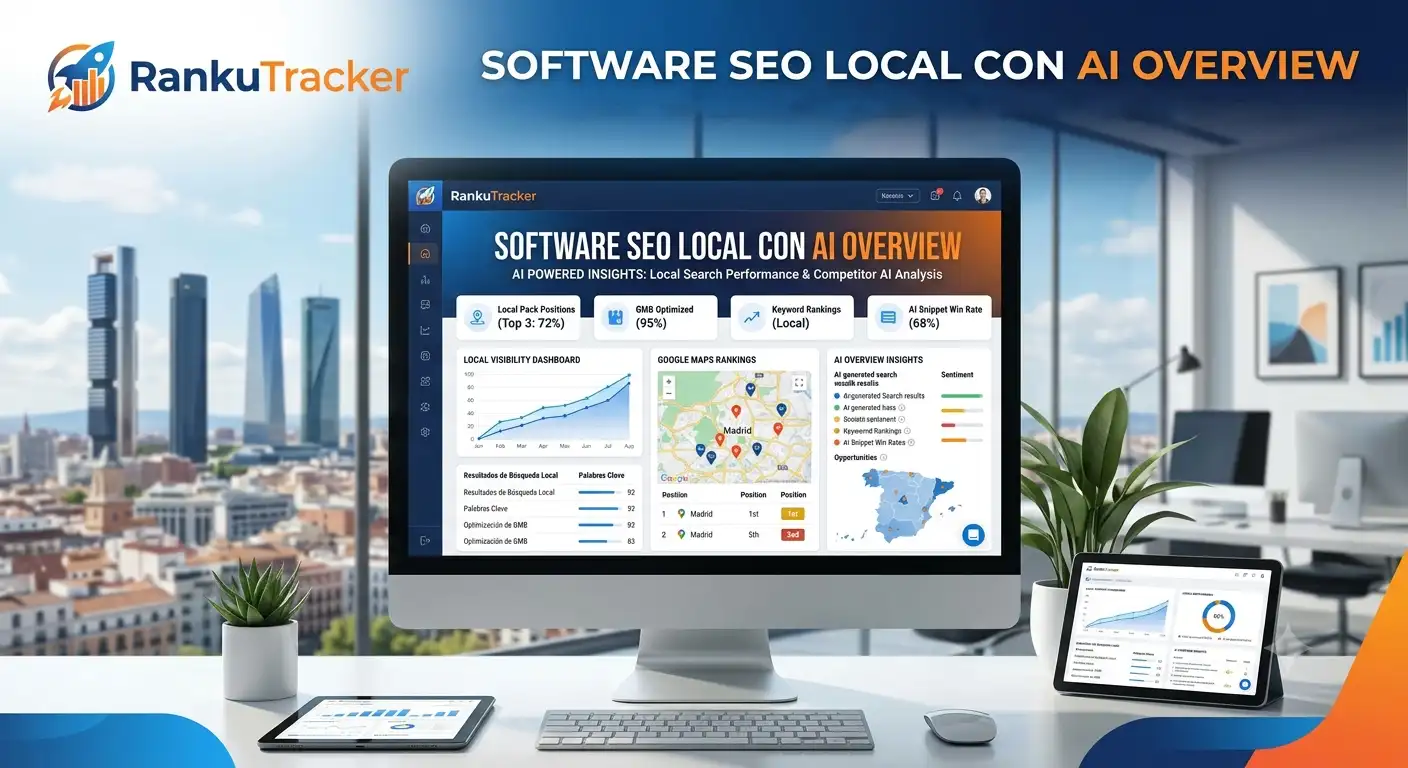
RankuTracker's RankTracker module tracks your local pack position for your target keywords on a daily basis, separately for desktop and mobile search. You can track multiple keywords simultaneously and see trends over time.
Set up tracking for your primary service keywords, your brand name, and key "near me" queries. Monitor week-over-week and month-over-month trends rather than obsessing over daily fluctuations — local rankings have natural daily variation.
RankMap for Hyperlocal Intelligence
Once you have your basic tracking set up, run RankMap to see the geographic distribution of your rankings. The heat map will show you exactly which neighborhoods you own and which you are losing.
Run RankMap at least monthly, and always after making significant changes to your GBP or website. This gives you before/after data to understand the impact of your optimization work.
Setting Up Alerts
Configure ranking alerts in RankuTracker to notify you when your position for any tracked keyword drops by more than a specified number of positions. A sudden ranking drop often indicates a GBP issue (suspended listing, incorrect information, competitor reporting) that needs immediate attention.
Advanced Tactics for Competitive Markets
If you operate in a highly competitive market — multiple dental practices per neighborhood, dozens of law firms competing for the same queries, restaurants on every block — basic GBP optimization may not be sufficient. These advanced tactics can provide additional competitive advantage.
Local Link Building
Links from other local websites (local news sites, neighborhood blogs, community organizations, local chambers of commerce) carry significant weight for local prominence. Sponsor local events, contribute expert quotes to local journalism, and pursue strategic partnerships with complementary local businesses.
Geo-Specific Landing Pages
If you serve multiple neighborhoods within your city, create individual landing pages for each major neighborhood. Each page should include neighborhood-specific content, an embedded Google Map showing your location relative to the neighborhood, local testimonials, and LocalBusiness schema markup with the neighborhood mentioned.
GBP Q&A Management
Proactively add questions and answers to your GBP Q&A section. Anticipate the questions your customers would search for: "Do you accept insurance?" "Is parking available?" "Do you offer same-day appointments?" These Q&As improve both relevance and user experience.
Conclusion
Appearing on Google Maps is not a one-time setup — it is an ongoing process of optimization, monitoring, and response. The businesses that dominate local search in 2026 are the ones that treat their GBP like a living marketing channel, not a directory listing that was set up once and forgotten.
The three factors — relevance, distance, and prominence — give you a clear framework. Optimize your GBP for relevance, build citations and content to maximize your geographic reach, and build reviews and links to increase your prominence. Then measure everything with the tools that give you geographic granularity, not just city-level averages.
Try RankuTracker free for 14 days at rankutracker.com