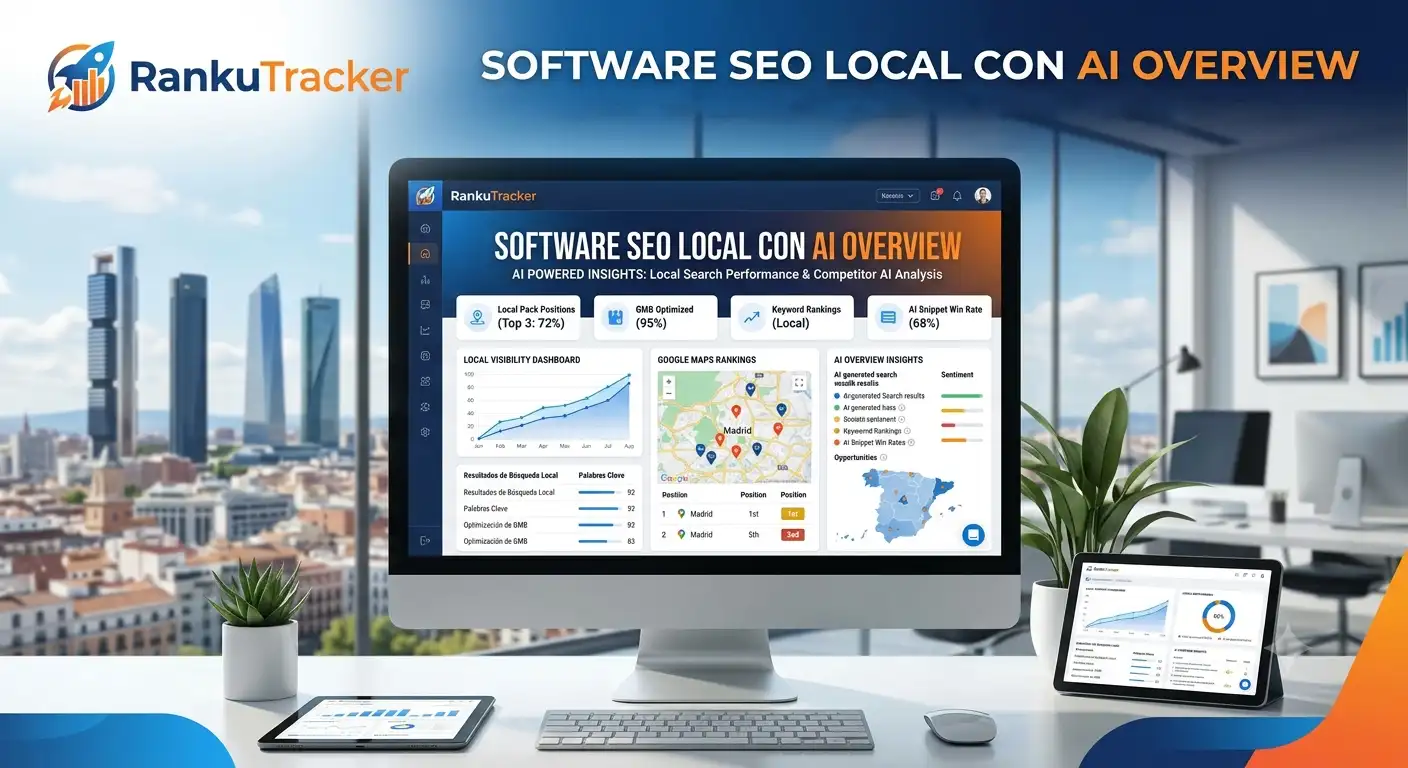
RankTracker: The Complete Guide to Local Rank Tracking
What a rank tracker actually measures, why estimates aren't enough, and how RankTracker tracks your real position on Desktop, Mobile, and Google Maps.
RankuTracker Team
14 august 2026
"We're in the top 3 on Google" is a claim a lot of businesses make without ever checking it properly. They search once, from their own phone, still logged into their own account, and assume that's what everyone else sees. It isn't. Google personalizes results by location, search history, and device — two people three blocks apart can see completely different rankings for the exact same query.
A rank tracker exists to solve exactly that problem: it automates clean, unpersonalized searches and keeps a history, so you know whether you're trending up or down — not just where you happen to be right now.
This guide covers what rank tracking actually measures, why most tools fall short for local businesses specifically, and how RankTracker, RankuTracker's tracking tool, works.
What a Rank Tracker Is (and Isn't)
A rank tracker runs an automated search for a specific keyword and records where your site shows up, without that result being skewed by who's searching. That's the difference between "I'm first on my phone" (personalized, unreliable) and "in a clean search from that city, you're in position 4" (a real, repeatable data point).
What it is not: an estimate based on search volume, or a projection calculated from your domain authority. Those numbers are useful for other purposes, but they don't replace a real search run today.
Why "My Position" Has Three Different Answers
For a local business, "what's my ranking?" doesn't have one answer, because Google doesn't return one type of result. There are three distinct surfaces, and ranking well on one says nothing about the other two:
Desktop: classic organic results on a computer. It's what most general-purpose SEO tools measure, and the one that least reflects how actual customers of a local business find you today.
Mobile: the same type of result, but under Google's mobile-first index — which is the one that actually matters now: roughly 70% of local searches happen on a phone. Your mobile position for a given keyword can differ from desktop by several spots.
Map Pack (Google Maps): the 3-listing block with a map that shows up for local-intent searches ("dentist near me," "plumber in Austin"). It runs on a different algorithm than organic, driven by its own signals — proximity, reviews, listing category. The top 3 Map Pack spots capture 44% of clicks on local searches — and plenty of businesses that rank well organically don't even show up here.
Measuring only one of the three means making decisions with a third of the picture.
How RankTracker Works
RankTracker tracks your keywords across all three surfaces at once, so you're not stitching together separate tools or assuming organic performance automatically carries over to Maps.
Initial setup
- Add your keywords: the ones that reflect how real customers actually search, not the ones that sound good in an SEO deck. "Dentist downtown Austin" usually outperforms "premier dental excellence clinic."
- Set the tracking location: the search is simulated from your business's actual location (or the area you care about), not from a generic server that could be hundreds of miles away.
- Turn on the surfaces you need: Desktop, Mobile, and Map Pack, depending on what matters for your business. For a business with a physical location, all three matter; for a fully online business, Maps carries less weight.
What each check records
Every time RankTracker checks a keyword, it logs:
- Exact position on that surface, on that date.
- The URL that's ranking — sometimes not the page you expected, which is itself a useful signal.
- Change since the last check: up, down, or flat.
- Full history: not just today's number, but the trend over time, so you can tell a normal fluctuation from a real drop.
What sets RankTracker apart from a generic "position checker"
Most free rank checkers run a one-off query with no history and no separation between Desktop, Mobile, and Maps. They're good for a single snapshot, not for managing an ongoing strategy. RankTracker is built for the opposite: continuous tracking, alerts when something shifts meaningfully, and integration with the rest of the RankuTracker dashboard — so a ranking drop can be cross-referenced against what changed in ScanSite (a technical issue?) or Reviews (did your average rating dip?).
Reading the Dashboard Without Drowning in Numbers
With dozens of keywords across three surfaces, it's easy to get lost. Here's what actually matters:
Trend, not a single data point. A keyword that drops from position 3 to 5 one day and bounces back to 3 the next isn't a red flag — that's normal algorithm noise. A sustained drop over a week is.
Divergence between surfaces. If you're climbing on Desktop but sliding in Maps for the same keyword, the issue is probably your Google Business Profile listing or your reviews, not your website.
"Almost there" keywords. Positions 4-10 usually offer the best effort-to-result ratio — moving from position 15 to 10 rarely changes traffic; moving from 5 to 2 usually does.
Common Rank-Tracking Mistakes
Only checking Desktop. It's a habit carried over from generic SEO tools built for ecommerce or media, not local business. If your customer finds you while walking down the street with their phone out, mobile and Maps are the numbers that matter.
Not tracking competitors. Knowing you're in position 4 tells you nothing without knowing who's in 1, 2, and 3 — and whether they're staying there or rotating.
Only checking when something feels off. Continuous tracking catches problems while they're small (dropping two spots) instead of after they're serious (falling off page one entirely).
Not connecting the data to a cause. A ranking drop almost always has a traceable cause: a technical change, a recent bad review, a competitor who improved their listing. RankTracker gives you the "what"; cross-referencing it with ScanSite, Domain Authority, and Reviews gives you the "why."
RankTracker Inside the RankuTracker Ecosystem
RankTracker doesn't work in isolation. It's part of RankuTracker's full local SEO loop: ScanSite finds technical issues on your website, RankMap shows how your Maps position varies point by point across your city (not just a single average number), and RankTracker confirms whether those fixes actually translate into better real-world rankings over time.
It's included in every RankuTracker plan starting at $50/month, with no extra cost for tracking all three surfaces.
Start tracking your real rankings at rankutracker.com and stop making local SEO decisions based on what you see on your own phone.